01
Install, tap, done
Sign in and connect from the home screen in one tap.
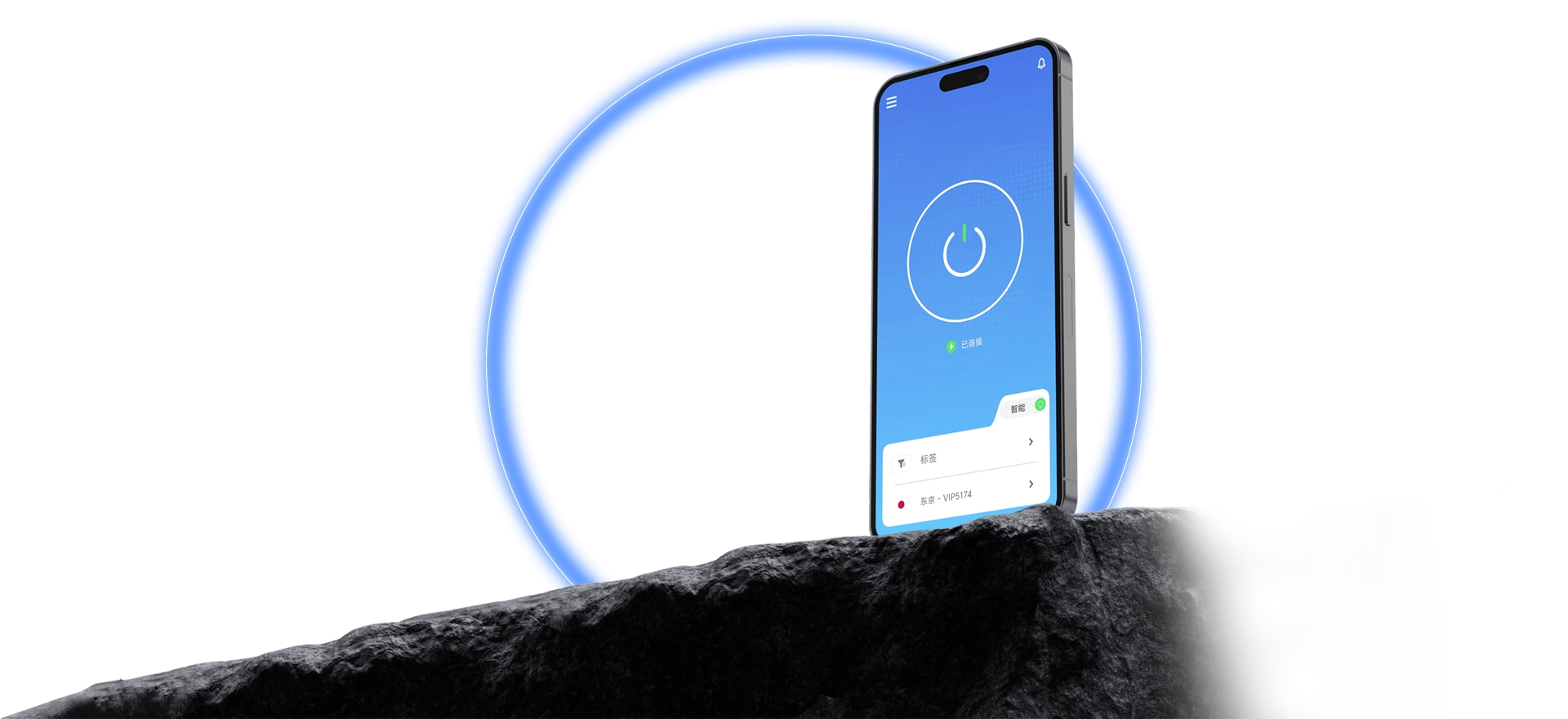
One tap reaches global high-speed routes for streaming, gaming, AI tools, and everyday browsing.
QuickQ runs on Windows, macOS, iOS, Android, and Linux. Sign in, tap a route, and you are connected with live status; one account manages all your devices with ease.
Short steps make the first run easy.

Sign in and connect from the home screen in one tap.
Route status is clear at a glance; switch any time.
The app tells you the result right away.
Identical flows on all devices — no relearning.
How data is used and protected is fully out in the open.
Setup, sign-in, and connection issues all come with answers.
Get the client, a few quick steps, and one tap starts QuickQ.